


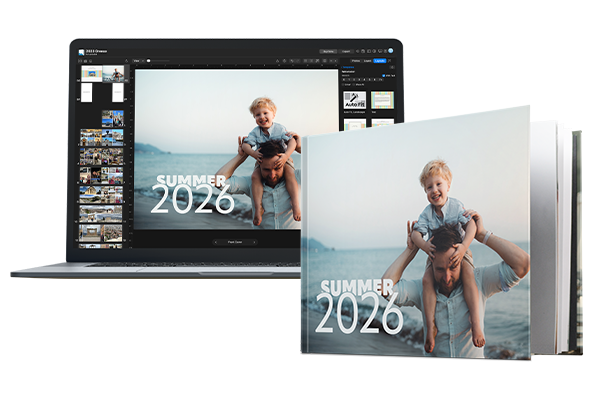
 Make your book in Apple Photos

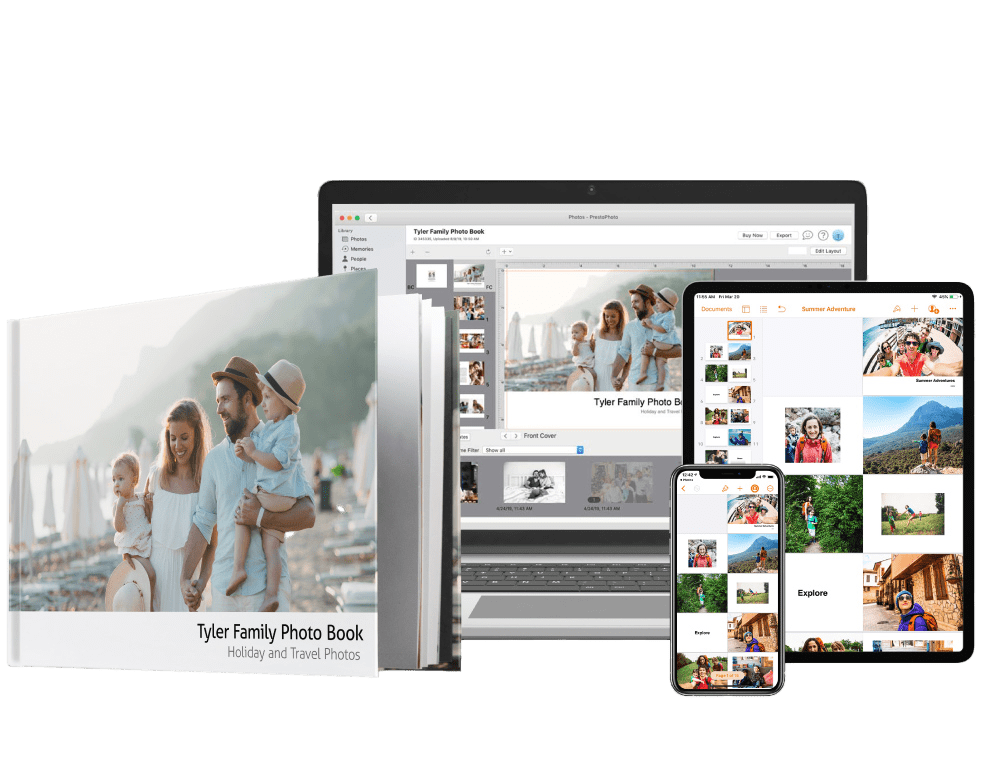











Reproduce old scrapbooks
Comment on HelpRe: Reproduce old scrapbooks
Posted:23 Jan 2017 (19:52 UTC)Hi there! If you're using our Book Designer it's actually a simple process to help with those images! Click on the Template button when you're within the project, select Styled Photo Book Set (shown in the right sidebar, you may have to scroll a bit), and then choose one of the templates that have a border. Often the best option is our Auto-Fit Template, which will automatically format your image to fit the page without losing content. :)
I hope this helps but please let us know if you have any other questions at support@prestophoto.com!
I hope this helps but please let us know if you have any other questions at support@prestophoto.com!
Reproduce old scrapbooks
Posted:05 Jan 2017 (14:05 UTC)I want to reproduce my scrapbooks that are in 3 ring binders 8.5x11. I am scanning in the pages and bringing the image into the new photo book but it looks like the image will be cropped and I will lose some of my image. How do I shrink my image to fit within the borders? I don't care if there is a white border around the edge.
Page 1 of 1