


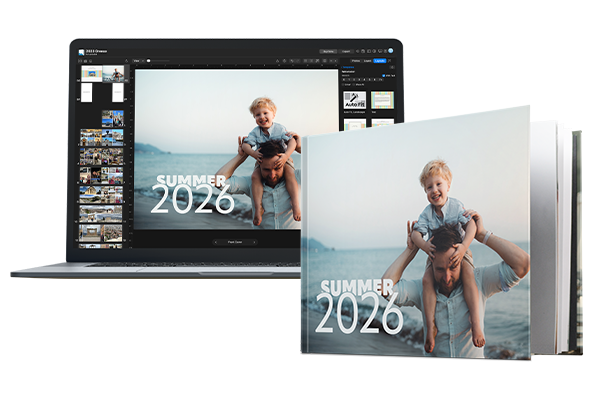
 Make your book in Apple Photos

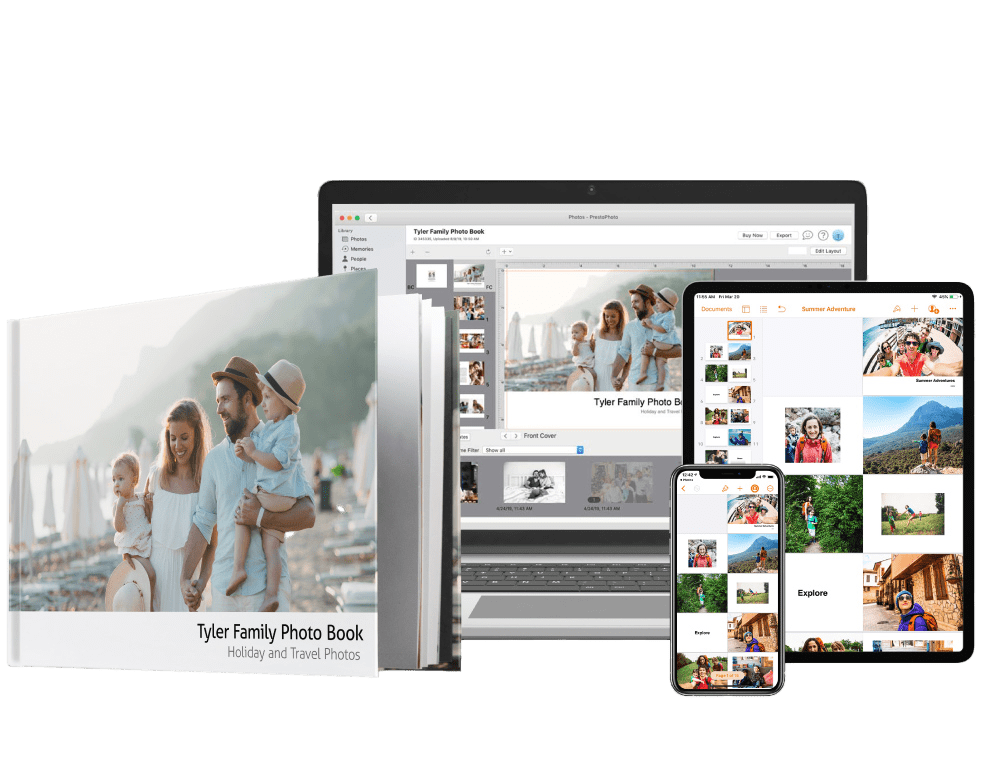











creating pages and uploading

Re: creating pages and uploading
Posted:17 Oct 2008 (15:42 UTC)Heidi, hmmmm, we accept .jpg files and PDF files. We recommend one complete PDF or separate .jpg files, and 300 dpi regardless if you go the PDF or .jpg route. For PDFs you must embed your full font family to ensure your text prints properly. If you upload .jpgs we will convert to PDF and will embed all the fonts.
heidi
creating pages and uploading
Posted:16 Oct 2008 (01:39 UTC)I am ready to try PrestoPhoto. But I am a little confused whether I should use the bookmaker or the PDF. I make own layouts in photoshop. Not sure if I should import my JPEG pages into the book program as a full bleed page or all together as a PDF. Please advise,
thanks
Page 1 of 1