


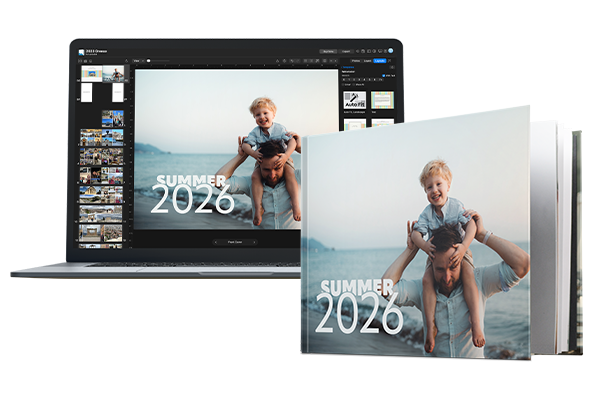
 Make your book in Apple Photos















How do I merge galleries into 1 photobook?

Re: How do I merge galleries into 1 photobook?
Posted:25 Jan 2008 (19:37 UTC)You can either create sub galleries or copy images from one gallery to another. To create your main "parent" gallery (ex: my life), then create any sub galleries (ex: 1st year, 2nd year, 3rd year, etc). Select the sub gallery and select the edit button, select the "gallery memberships" tab and select the "parent" gallery to which you would like the gallery to belong (in this case "my life). Click the save gallery button.
When you go into the parent gallery the sub gallery will only show one image. Select that image to select the sub gallery and view the images stored in that sub gallery.
To set the image order for the parent gallery or sub galleries simply select the image order link for the parent and then number the images within the gallery. The sub galleries will appear as one image within the parent. So you can determine where in the parent gallery you want the sub gallery and you determine the image order of that sub gallery within the sub gallery.
Sub galleries help you keep all your galleries organized. Also, you can select "Print Chapter Pages" during the bookmaker process so that the gallery information will print as a "Chapter" within your overarching book.
To copy images from one gallery to another simply create the new gallery, go to the gallery with all the images and select the image order icon. When you get to that area just check the batch select box to the right of the images you want in the new gallery. After you have selected all the images you want in the new gallery scroll down and select the drop down arrow to the right of the Batch Commands field. You can either move the images to the new gallery or copy them to the new gallery. Remember to select the SAVE CHANGES button.
How do I merge galleries into 1 photobook?
Posted:19 Jan 2008 (10:57 UTC)I need to merge 3 of my galleries so that I can produce 1 photobook with all pics.
Can I create 3 chapters within the one book? I seperate each with a text page or something?
Page 1 of 1