


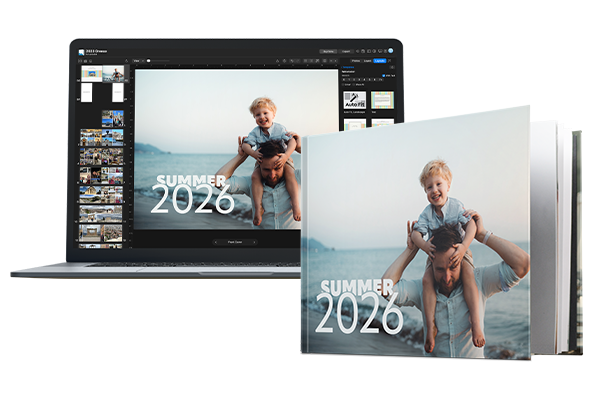
 Make your book in Apple Photos

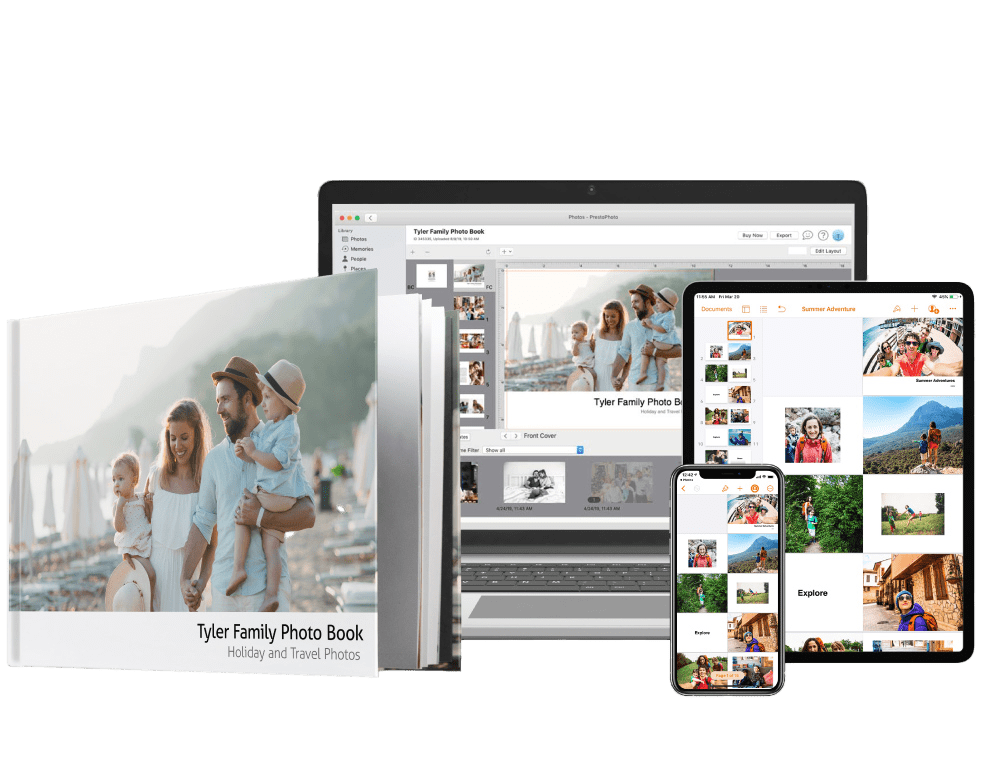













Adding pages
Comment on Help
Re: Adding pages
Posted:05 Jan 2018 (21:37 UTC)Greetings from PrestoPhoto!
The minimum page count will depend on the specific product you're wanting to order. Many of our books require at least 20 pages, however we do have some that require less! You can find information on each product here: https://www.prestophoto.com/help/Photo+Books If you have other questions on a specific product, feel free to email or chat in and we can assist.
To add more pages in the Online Design, simply click the icon that looks like a piece of paper with a plus sign on it. You'll find this in the left hand panel. Additionally, to add several new pages, click "Reorder" in the left panel and then click "Add Multiple Pages."
Warm Regards,
MJ
support@prestophoto.com
Adding pages
Posted:07 Dec 2017 (01:00 UTC)I am unclear what the minimum number of pages is. I completed my project and deleted blank pages, when I tried to order the book it appears there are no options. A note came up that I may need to add more pages - so I have 2 questions:
How does one add more pages?
Where is the minimum number of pages for books specified?
Thanks for your help!
Page 1 of 1