


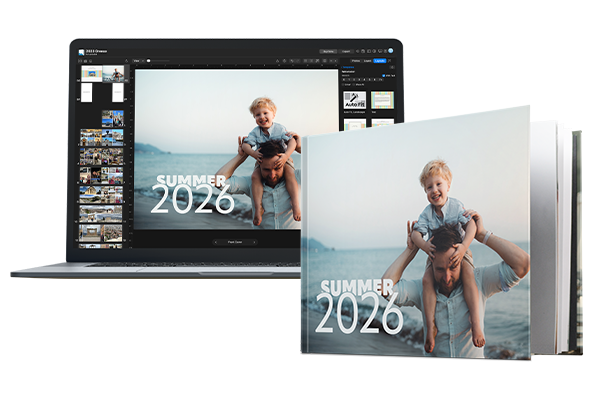
 Make your book in Apple Photos












Poor product
Comment on PrestoPhoto Reviews
Re: Poor product
Posted:02 Mar 2020 (21:00 UTC)Greetings from PrestoPhoto!
As we discussed in our email conversations, the reason some images printed darker than expected is that several images were under exposed and had faces in shadows. On the same page as the shadowed images, you had naturally lit images which printed beautifully. This is one of the most common concerns customers have. Our brains react positively to faces in sunshine, however when they are shadowed we view them much more critically. We go over these topics in more detail here: https://www.prestophoto.com/help/Make+Your+Photos+Presto-Ready
When printing your project, each page is rastered (or flattened) into a single image. Because of this, we do not have a way to individually adjust images. Adjusting brightness for under exposed images, would have the negative effect of over exposing properly lit images.
We of course want to work with you, however if you want your images to print brighter, you would need to make adjustments to the original source images that you are unhappy with. If you make those changes and reply to the original emails we've sent you, we can certainly work something out so that you're happier with the output of that calendar (:
Warm Regards,
MJ
Poor product
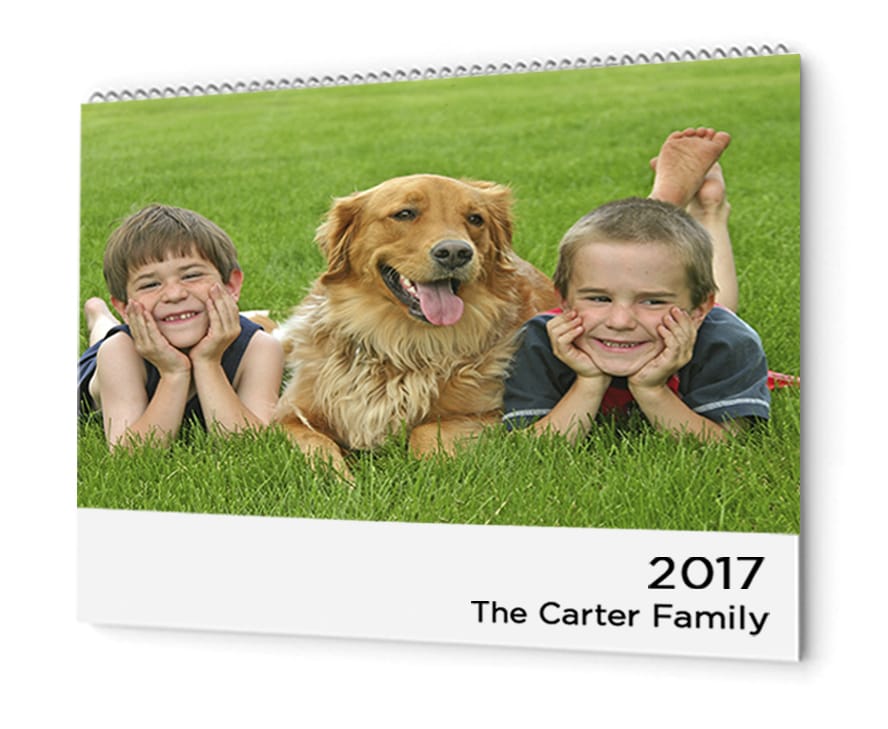
Posted:02 Mar 2020 (00:07 UTC)Created a calendar and was very disappointed with the product. All the photos were very under exposed (dark) despite how they appeared in the preview. After informing Presto customer service I was told my computer screen and the actual picture quality caused the under exposure. I have used the same camera, lens and computer for the last 5 years with no problems printing until now. Very disappointed that ALL the blame was on me. I will not use Presto again.
Page 1 of 1