


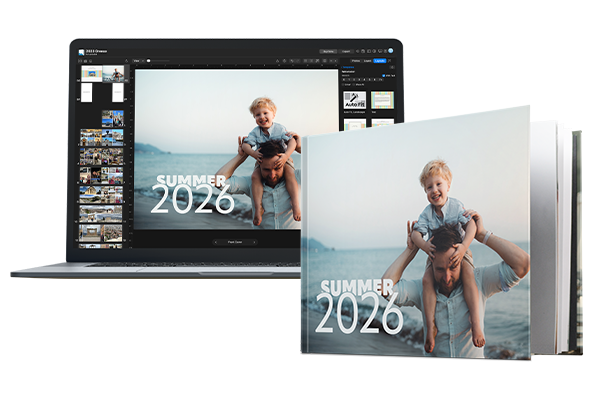
 Make your book in Apple Photos
















Editing a Project once it is completed
Comment on HelpRe: Editing a Project once it is completed
Posted:25 Mar 2022 (20:48 UTC)Hello Bren
Thank you so much for your post!
If you have a project that you would like to edit, you can log into your account on PrestoPhoto. Under the user name dropdown in the top right of the website, select "My Projects" from the menu. On the next screen you will see all of the projects that you have created or uploaded to PrestoPhoto. Below the title of each project is an Edit button. If you uploaded a PDF, you will need to make the changes to your original PDF and re-upload by clicking the Edit button beneath your project and proceeding to the first step labeled "1. Upload".
If you need any further assistance, feel free to reach out via our Live Chat Mon-Fri 9AM to 5PM EST or send us an email as support@prestophoto.com
Editing a Project once it is completed
Posted:10 Mar 2022 (22:53 UTC)I have completed a Project successfully but when the Photobook arrived I noted that there were two spelling mistakes. I wish to correct these and then re-order the Photobook. How can I do this?
Page 1 of 1