

 Google Photos Compatible
Convert Your Apple Photos Projects

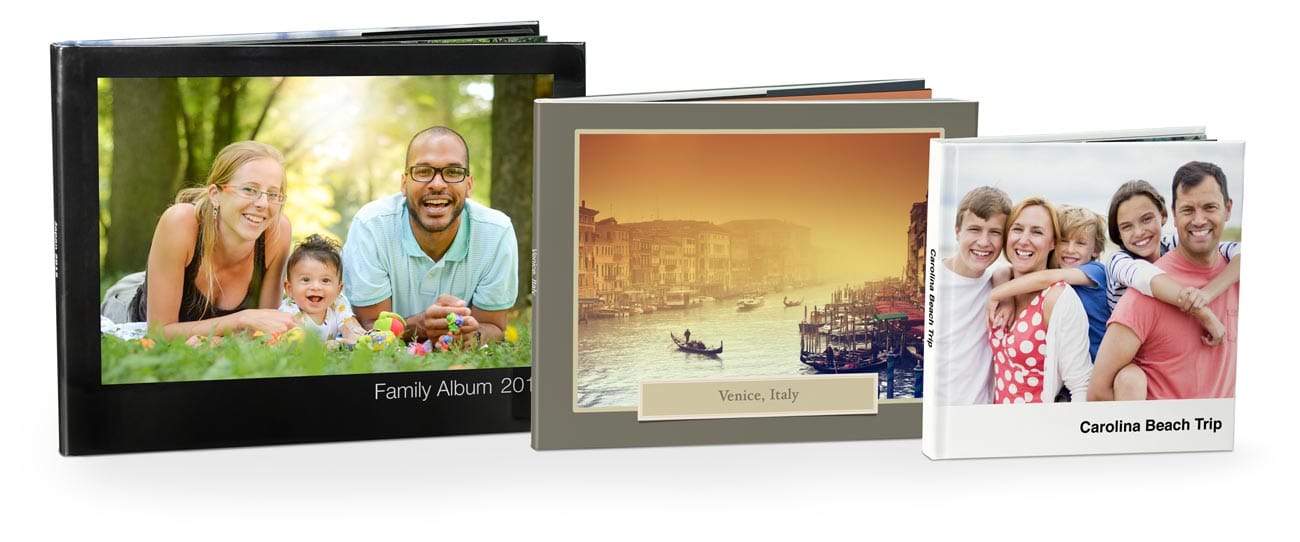
No Need to Start from Scratch
If you have a project created with the Apple Photos first party extension and would like to make changes to it after updating to macOS 10.14 and up, you'll need to convert the project to the PrestoPhoto App to order a photo book nearly identical to Apples.
Create New Photo Books with your Mac
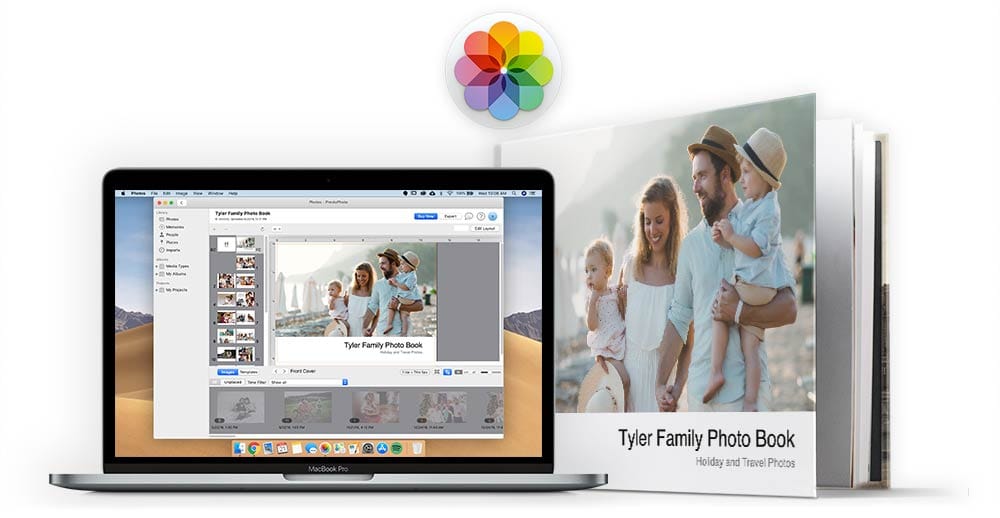
Use your Mac to create new Apple style Photo Books with the PrestoPhoto Apple Photos Extension for macOS, available for macOS 10.13 and above operating systems. Create Photo Books, Prints, Wall Art, and more with our native macOS app, all within Apple Photos!
How to Convert Old Photos Projects
Do You Use Lightroom?
The video contains no sound, and is for visual reference only
Integrate your Lightroom account into our PrestoPhoto app. You can now access your Lightroom images to create custom photo books
You'll want to start by selecting your photos for your photo book project. Once selected, right click on any photo, go to Create Book PrestoPhoto Create Book Click "+" Icon Lightroom Icon Sign In.
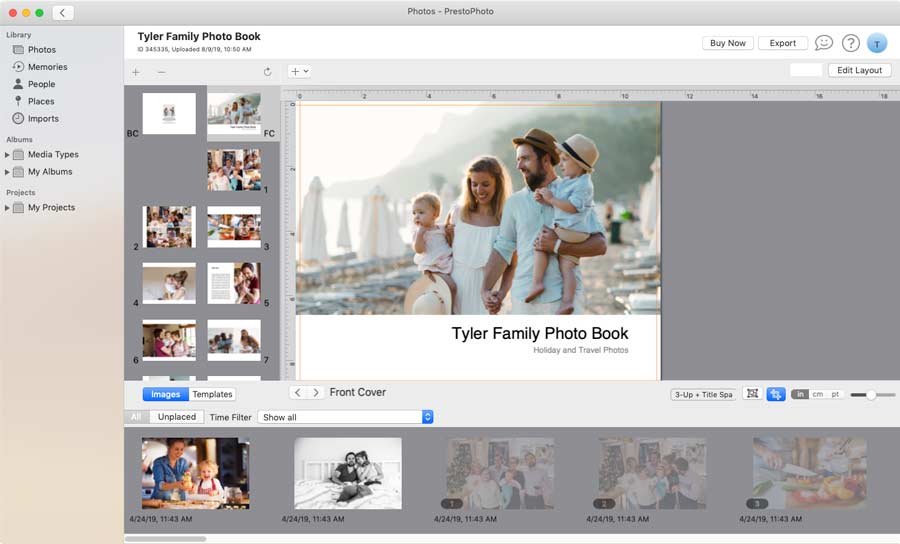
Our MacOS App has some of your favorite Apple Photo Book templates
We've also recreated some of your favorites for the Presto Photo App, which means you can create photo books with the same style and layout you've loved for years with or without Apple Aperture®, iPhotos®, and Photos. Our app is macOS native Apple Photos extension that works within Apple Photos to help you create photo books with your photo library, just like you're used to.
 Direct Download




Join the Conversation
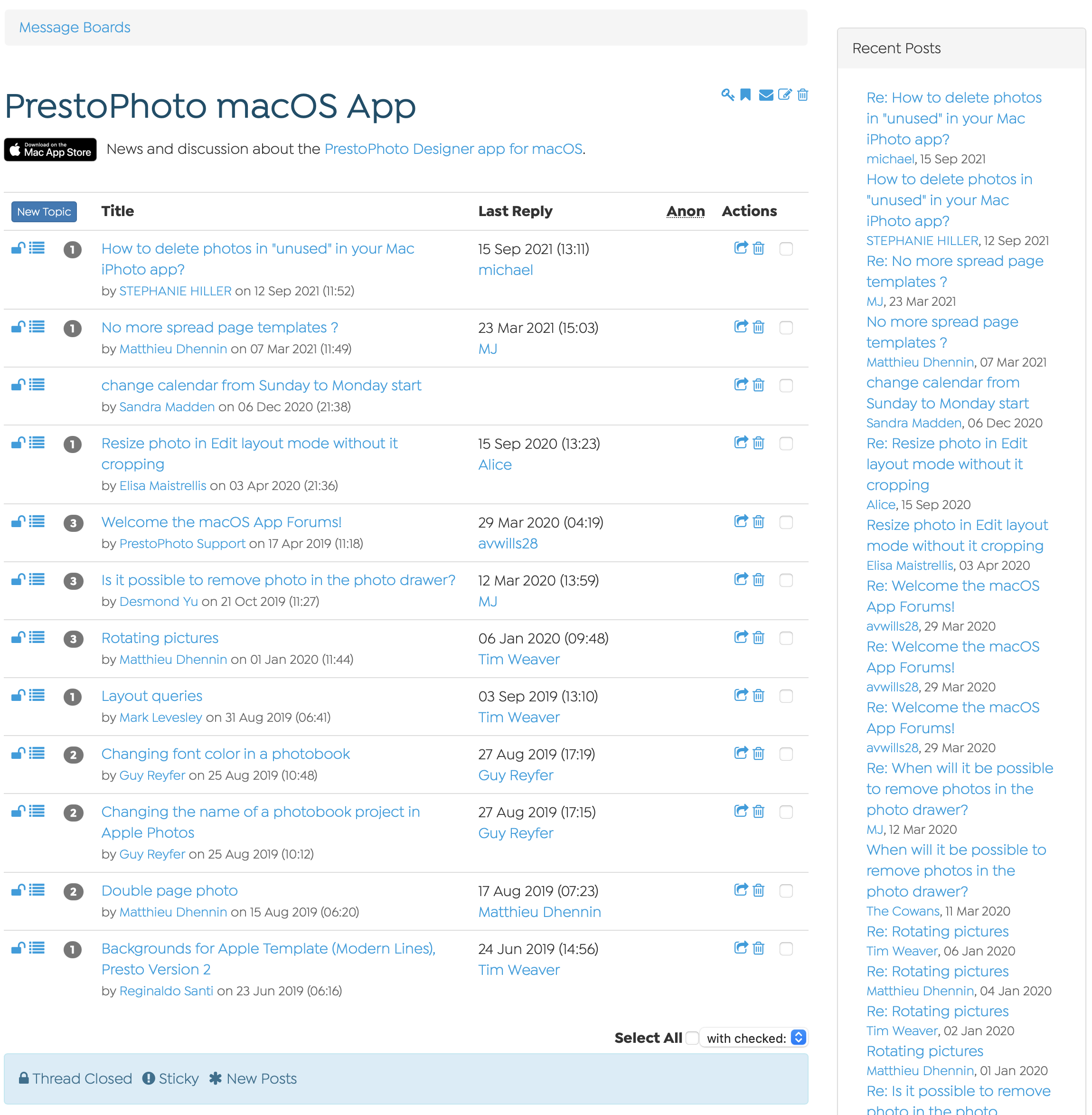
Do you have questions or want to share your favorite features and app experiences? Stay connected with the rest of the PrestoPhoto MacOS App Community through our PrestoPhoto App Forum.
Print with Presto!

Customer Support
We love helping as much as we love the Golden Rule. Our A+ support team is only a click away and we wouldn't have it any other way!

Price & Photo Print Products
With over 100 print products and options to choose from, outstanding quality, and wonderfully low prices, you might just fall in love.
Getting Started is Easy
PrestoPhoto provides Apple comparable templates to help you create books consistent with what you’ve been making with Apple over the years. Apple iPhoto®, Photos, & Aperture® are registered trademarks of Apple Inc. Our Photo Books are in no way endorsed by Apple Inc, however we have worked hard to make sure they match the look and feel of your existing books.