🦃 HOLIDAY CLOSURE: Nov 26-27 for Thanksgiving. Support and Production resume Monday, Nov 30 🍂
[0]

8x8 Professional Photo Album

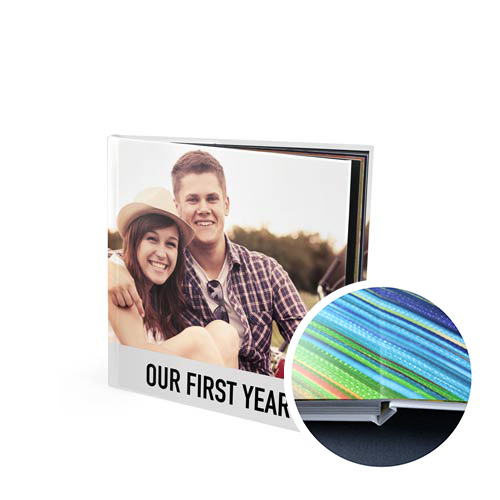
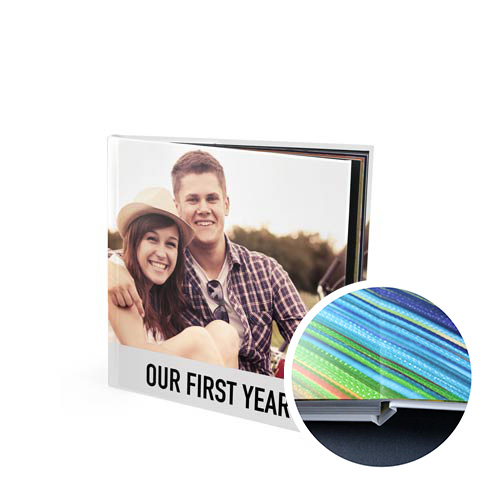
Our 8x8 Photo Albums start on the inside front cover, with a Seamless Layflat interior binding that works great for Wedding Albums and Professional Portfolios.

8x8 Layflat Hardcover Photo Album with Seamless Premium 450 Photo Paper

8"x8" Layflat Hardcover Photo Album

Seamless Premium 450 Photo Paper

$44.99 each

File Setup for This Book
4 to 100 pages
  • Cover and Binding $23.99
  • 20 pages × $1.05 $21.00
  • One album $44.99
Total for one album $44.99

Bulk Order Pricing, Price Each

Start This Album

Designer themes, cover extras such as a dust jacket, and shipping are added at checkout.

The Book

The Book: 8"x8" Layflat Hardcover Photo Album, Seamless Premium 450 Photo Paper
Printed Size 8 × 8 in 20.3 × 20.3 cm
Orientation Square
Binding Layflat Hardcover Photo Album
Paper Seamless Premium 450 Photo Paper
Pages 4 to 100
Printing Color
Made In United States
At 20 Pages
Price Each $44.99 $23.99 cover and binding, $1.05 a page
Shipping Weight About 0.6 lb 0.3 kg

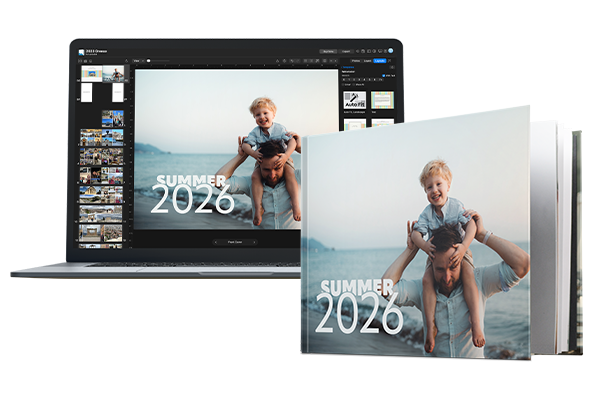
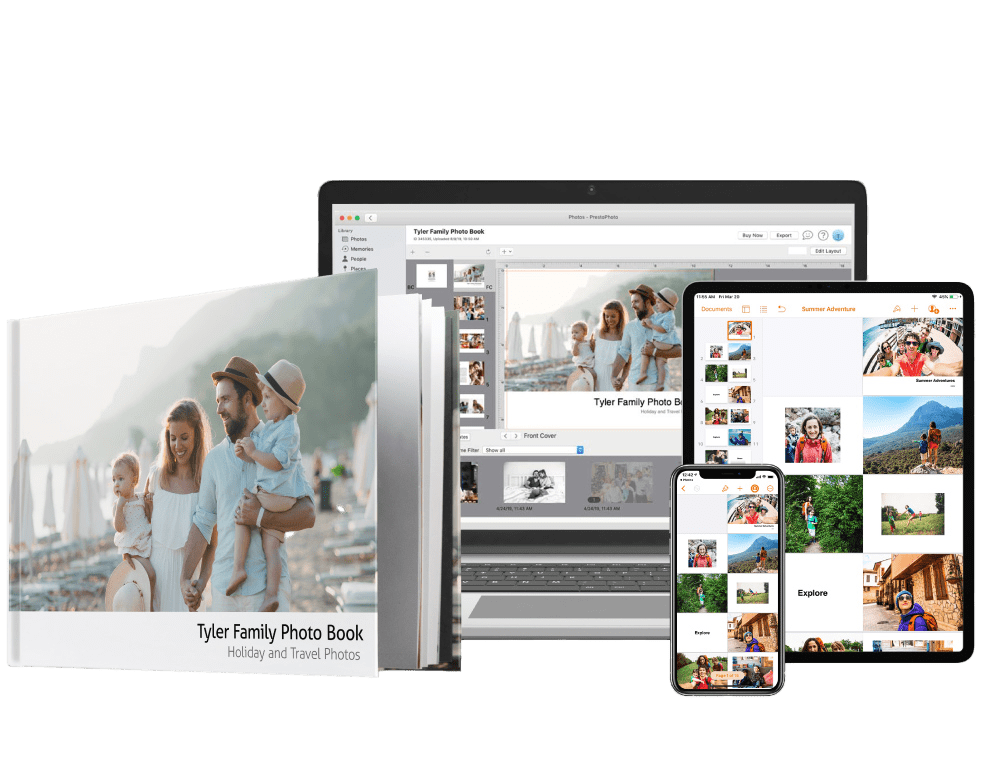
Prints from Apple Photos, iPhoto and Aperture. Apple photo books

Total for one album $44.99 Start

File Setup for This Book

8"x8" Layflat Hardcover Photo Album, Seamless Premium 450 Photo Paper, 20 pages. Open on Its Own Page

Also as JSON, Plain Text

Interior Pages File

Interior pages file for 8"x8" Layflat Hardcover Photo Album, Seamless Premium 450 Photo Paper, 20 pages
Interior File Type One PDF One file with every spread, in reading order.
Interior PDF Page Size 16.25 × 8.25 in 4875 × 2475 px at 300 ppi
Trimmed Spread Size 16 × 8 in
Interior Bleed 0.125 in every edge Already included in the PDF page size.
Interior Text Margin 0.25 in from the trimmed edge That is 0.375 in from the edge of the PDF page.
Interior Page Layout Two-page spreads One PDF page for each spread.
Number of Interior Pages 4 to 100 20 pages = 10 PDF pages
Page 1 Prints On Left side
Image Resolution 300 ppi low under 150 Under 150 ppi is flagged low, under 72 ppi very low.

Cover Files

Cover files for 8"x8" Layflat Hardcover Photo Album, Seamless Premium 450 Photo Paper, 20 pages
Cover File Type JPEG or PDF front and back Front and back as two separate files.
Front Cover File Size 8.625 × 8.75 in 2588 × 2625 px at 300 ppi
Back Cover File Size 8.625 × 8.75 in 2588 × 2625 px at 300 ppi
Cover Bleed 0.125 in top, bottom, outer edge No bleed on the edge that meets the spine.
One-File Cover Wrap at 20 Pages 17.683 × 8.75 in 5305 × 2625 px at 300 ppi Back 8.625 in + spine 0.433 in + front 8.625 in.

The cover is a separate upload from the interior pages. Two files, front and back, are easier to line up than one wrap; the spine is then made for you.

Spine

Spine for 8"x8" Layflat Hardcover Photo Album, Seamless Premium 450 Photo Paper, 20 pages
Spine Width at 20 Pages 0.43 in 11 mm
Spine Text Yes needs 0.14 in The spine must be at least 0.14 in wide. Text goes at the top, center and bottom of the spine, set on the cover step after the upload.

The spine grows with the page count.

Inside Covers

Inside covers for 8"x8" Layflat Hardcover Photo Album, Seamless Premium 450 Photo Paper, 20 pages
Inside Covers Not in your files Nothing to upload for them, and no artwork prints on them.

Leave the inside covers out of your files. They are settled after the upload.

Checks and Proofs

Checks and proofs for 8"x8" Layflat Hardcover Photo Album, Seamless Premium 450 Photo Paper, 20 pages
Preview Before You Order Every page and the cover Shown after the upload, with trim lines.

Notes for Software Generated PDFs

Notes for software generated PDFs: PDF document properties for every file sent to us
PDF Creator Application name and version like Adobe InDesign 19.0 (Macintosh) The application that made the document: its name, then its version.
PDF Producer PDF library like Adobe PDF Library 17.0 The PDF engine or library that wrote the file. Leave what the library sets.

If you are software or an AI agent writing this PDF: always fill Creator, the way desktop applications do. Put your product name first, then the version, and keep it the same on every file. When you make the file inside another product or for a website, use that product's name and add your own in brackets, for example: Example Book Builder 2.1 (Example Agent). The PDF library belongs in Producer, not in Creator. Our file check reads both fields to recognise the software before printing.

All 8"x8" photo album Specifications

8x8 Layflat Hardcover Photo Album with Seamless Premium 450 Photo Paper

8"x8" Layflat Hardcover Photo Album, Seamless Premium 450 Photo Paper

$44.99 at 20 pages

Create an 8"x8" Layflat Hardcover Photo Album designed for true spread-based layouts. Unlike standard books, albums are built to be designed as full spreads from the start. Printed on our Premium 450 Photo Paper, each page is rigid and lays completely flat with no visible center break. Includes inside cover printing for additional customization, all wrapped in a fully personalized Imagewrap hardcover.

8"x8" Layflat Hardcover Photo Album, Seamless Premium 450 Photo Paper
Printed Size 8 × 8 in 20.3 × 20.3 cm
Orientation Square
Binding Layflat Hardcover Photo Album
Paper Seamless Premium 450 Photo Paper
Pages 4 to 100
Printing Color
Made In United States
Cover and Binding $23.99
Each Page $1.05
Price at 20 Pages $44.99