

 Google Photos Compatible


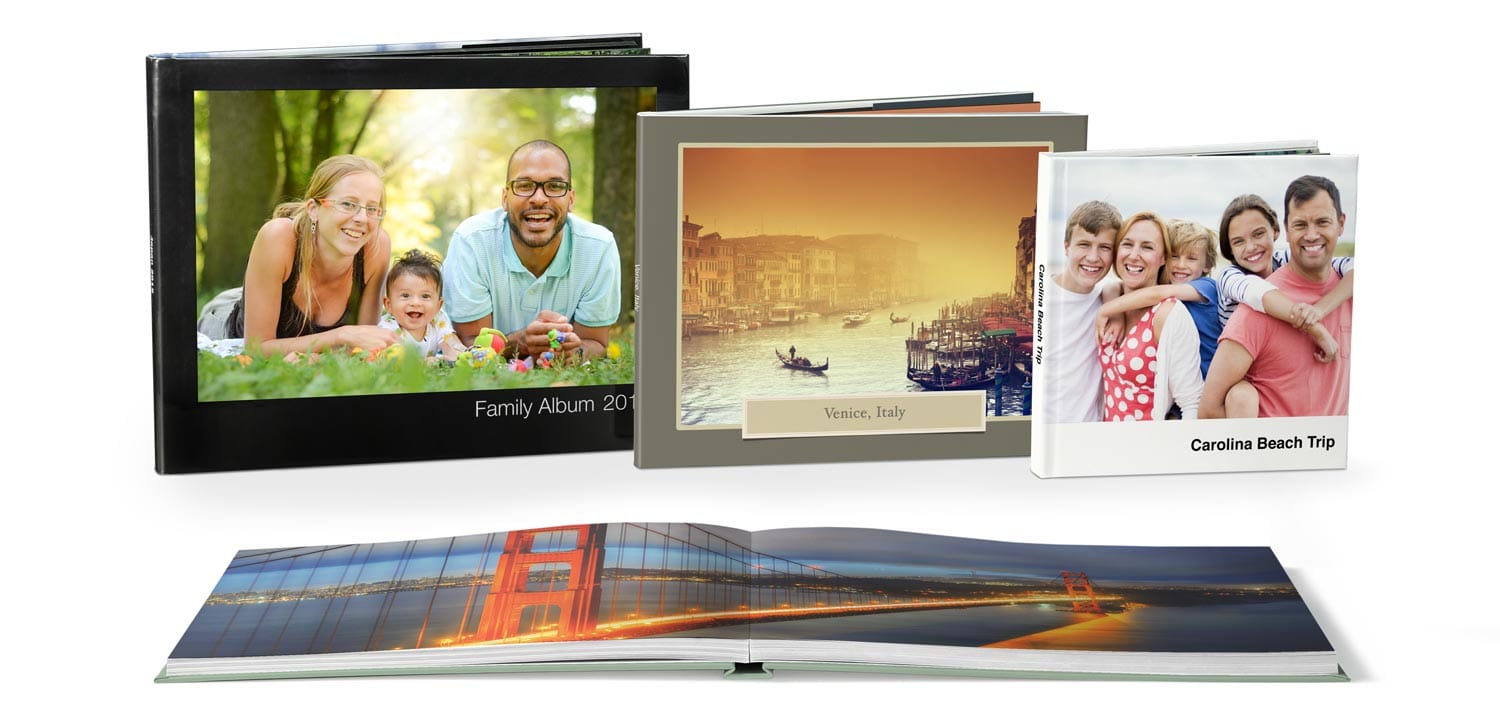
Print Your Apple Photo Books
Printing Apple Photo Books is Easy with Presto Photo!

Create Your Apple Photo Book
We have three options to print:
Aperture®, iPhoto®, or Photos® PDFs
Continue to create your Apple photo projects in Photos®, iPhoto®, or Aperture®, and export them as PDF's to print online. We've been printing Aperture Photo Books for 10 years now with thousands of happy and loyal customers!
Upload PDF Now
PrestoPhoto App with Apple Photos
The PrestoPhoto App is one of the best ways to make a new Apple Photo Book. Download the App from the App Store and start creating new Photo Books, Prints, and more!
PrestoPhoto App Info
Design Online Layouts
We also have Aperture, Photos, and iPhoto templates for our Online Designer, so no one is left out! If you are on a Microsoft Windows or Google Chromebook computer, this is a great option to get that Apple Photo Book feel.
Design OnlineCreate New Photo Books with your Mac
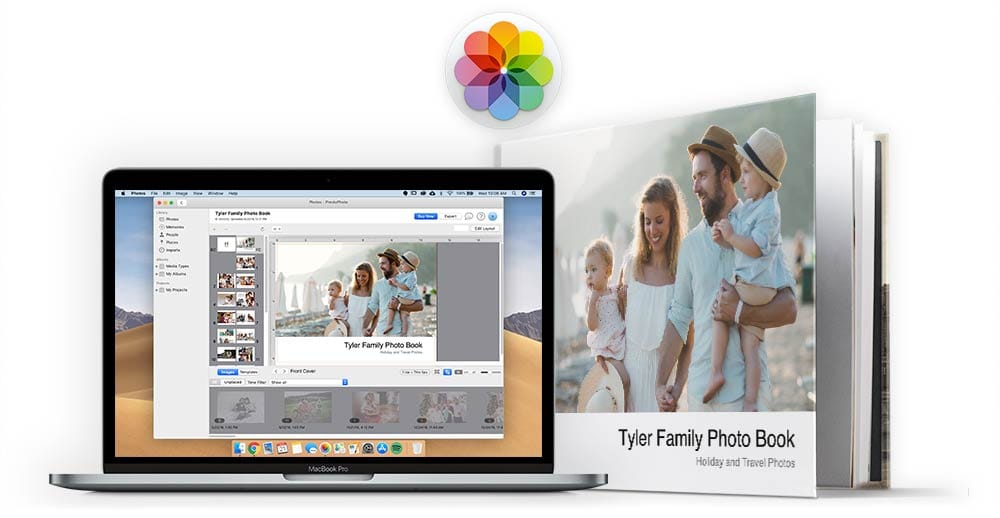
Use your Mac to create new Apple style Photo Books with the PrestoPhoto Apple Photos Extension for macOS, available for macOS 10.13 and above operating systems. Create Photo Books, Prints, Wall Art, and more with our native macOS app all within Apple Photos!
Legacy Apple Photo Book Printing
Have an existing project made with Apple Photos, iPhoto, or Aperture you need to print? Export them to PDF and upload them to PrestoPhoto to order a photo book nearly identical to Apples.
Apple Photos Project Ordering
- Complete your book in Photos
-
In your project, press the control key and click on the gray background to select Save Book as PDF... from the options
 Or hold the option key and click on the Buy Book option in the top right hand corner

- Upload the PDF to PrestoPhoto and place your order
Apple iPhoto® Project Ordering
- Complete your book in iPhoto
-
In your project, hold the option key and click on the Buy Book option in the bottom middle of the window
Or press the control key and click on the orange wood background to select Save Book as PDF... from the options
- Upload the PDF to PrestoPhoto and place your order
Versions Supported:
Apple Aperture® Photo Project Ordering
- Complete your book in Aperture
- Select Print from the upper right of the page » Choose Save as PDF from the drop down menu at the bottom left » Name your file and click Save
- Upload the PDF to PrestoPhoto and place your order
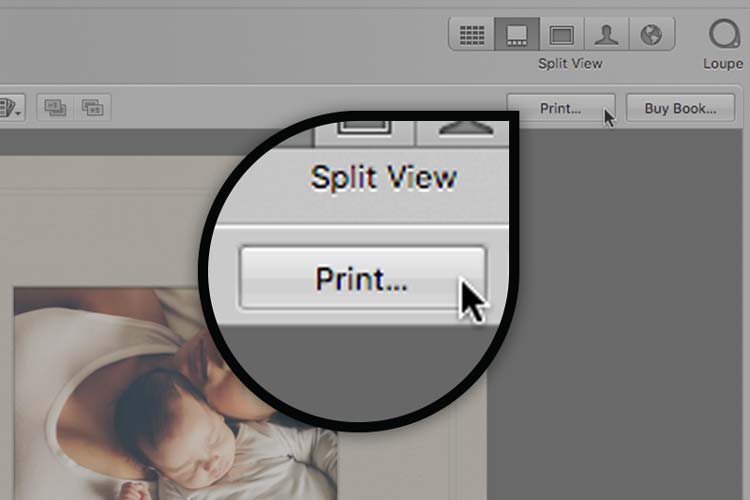
Select Print from the upper right of the page
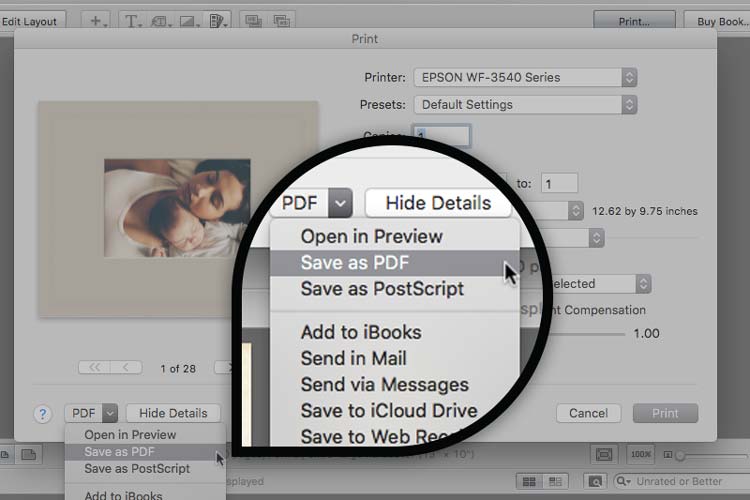
Choose Save as PDF from the drop down menu at the bottom left
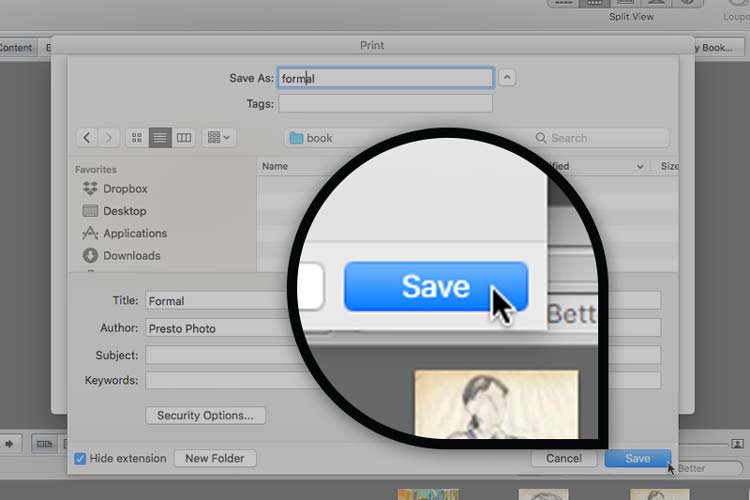
Name your file and click Save
Version Supported:
Already Have an Apple Book Created?
Learn How to Upload Now
Just Like your Existing Apple Books, but Better!
We have partnered with a large photo printing company to make sure we can produce books as closely as possible to the Apple style photo books. See our side-by-side comparison. However, we took a great thing, and made it better!
- Apple Photo Project Printing for Apple Photos, iPhoto, and Aperture
- Dozens of sizes at low prices
- Auto-Scale feature that enables a single project to be ordered in multiple sizes and bindings
- Bulk Discounts
- Layflat Photo Books
- Global Shipping
And much more!
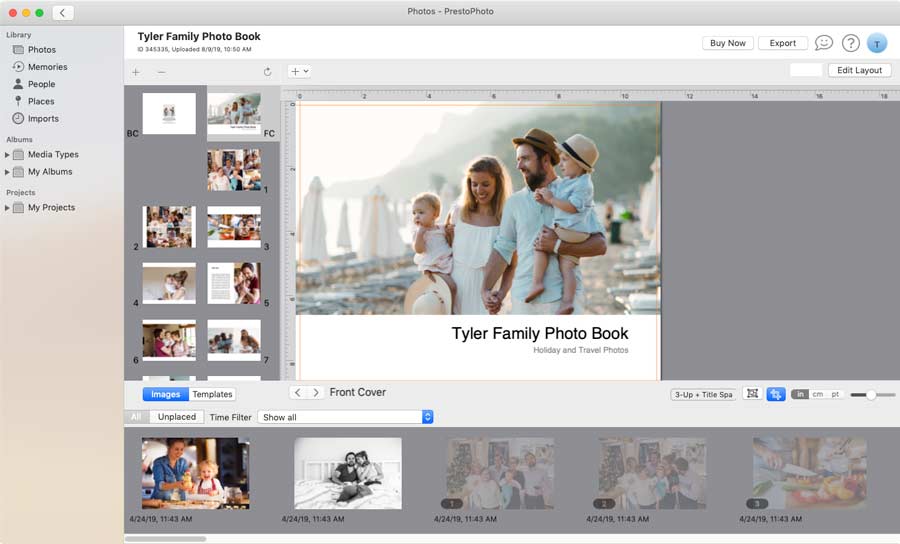
Your Favorite Apple Photo Book Templates
We've also recreated some of your favorites for the Presto Photo App, which means you can create photo books with the same style and layout you've loved for years with or without Apple Aperture®, iPhotos®, and Photos. Our app is macOS native Apple Photos extension that works within Apple Photos to help you create photo books with your photo library, just like your used to.
Direct Download




Our Prices are as Great as our Books

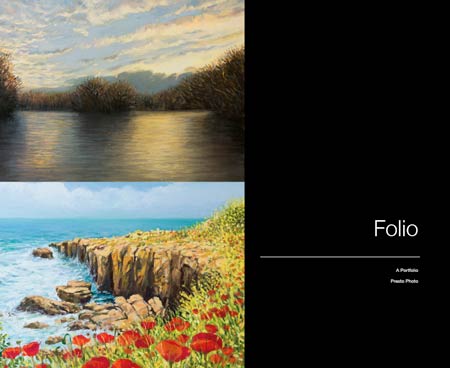
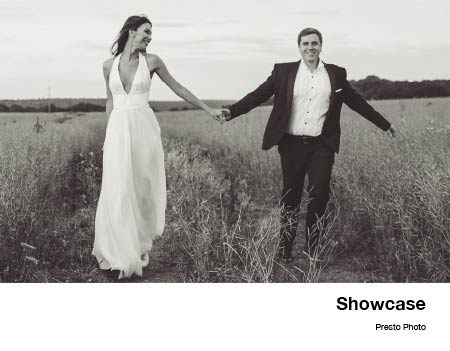
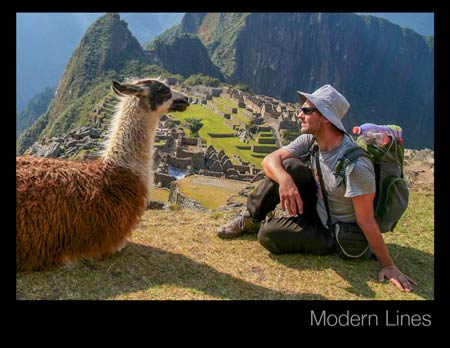

Not Sure What Size You Need?
It's easy to print your photo book big, small, or both! Using our Auto-Scale feature, our Landscape Photo Books can be printed at the normal Apple Photo Book Sizes like 13"x10" and 11"x8.5", but are also available in 14"x11", 10"x8", and 9"x7" You can also change between hardcover and softcover with ease!
Layflat Photo Book Printing
A new experience that we offer for our Apple Photo Book customers is Layflat Photo Books. Print your books with beautiful, seamless, edge to edge spreads, with nothing getting inbetween you and your photos. If you are a fan of spreads across 2 pages, this is an option you'll want to check out. Plus with our seamless layflat, we'll print your interior dust jacket flaps on the interior front and back covers of your book. You'll love it.
Learn about Layflat Photo Books
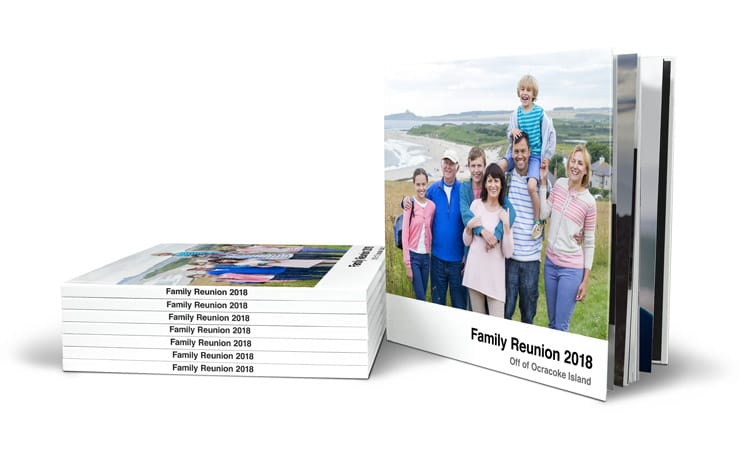
Bulk Photo Book Printing
Bulk orders can be a little overwhelming, even after the first time. Never fear! A dedicated Presto team member will work with you one-on-one to make sure all of your needs are met at the best price possible.
| Quantity | Discount |
|---|---|
| 5-9 | 5% |
| 10-49 | 10% |
| 50-99 | 15% |
| 100-249 | 20% |
| 250-999 | 25% |
| 1000+ | Contact Us |
Print with Presto!

Customer Support
We love helping as much as we love the Golden Rule. Our A+ support team is only a click away and we wouldn't have it any other way!

Price & Photo Print Products
With over 100 print products and options to choose from, outstanding quality, and wonderfully low prices, you might just fall in love.
Getting Started is Easy
PrestoPhoto provides Apple comparable templates to help you create books consistent with what you’ve been making with Apple over the years. Apple iPhoto®, Photos, & Aperture® are registered trademarks of Apple Inc. Our Photo Books are in no way endorsed by Apple Inc, however we have worked hard to make sure they match the look and feel of your existing books.